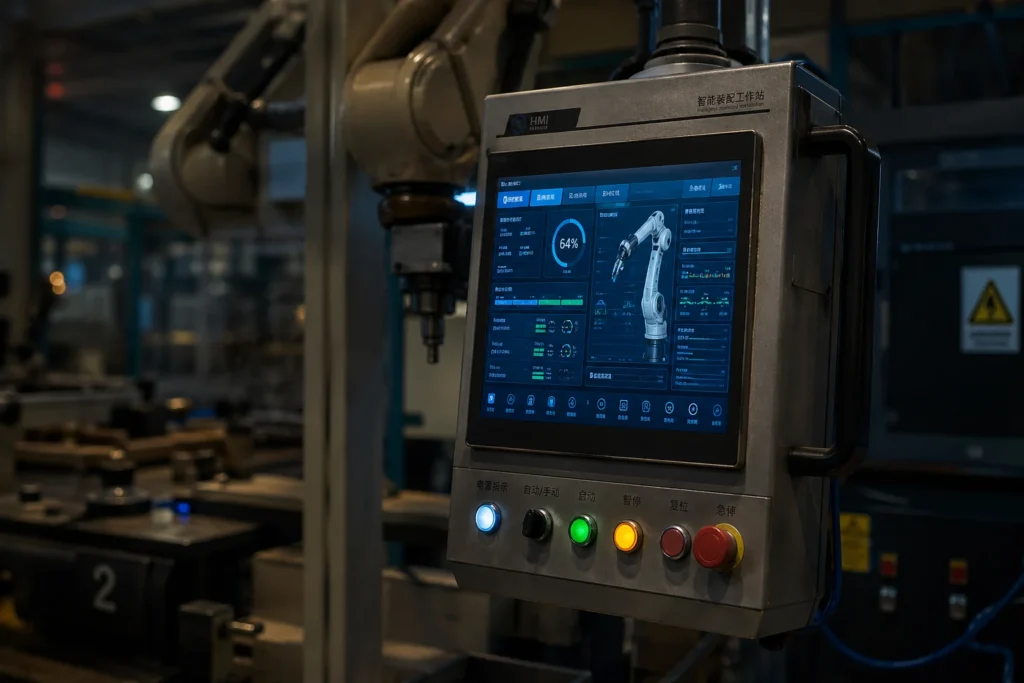
In the high-stakes world of modern manufacturing, the gap between “operational” and “optimized” often comes down to the reliability of your interface. Having spent over a decade in the industrial computing sector—transitioning from legacy CRT monitors to today’s AI-integrated edge computing nodes—I’ve seen firsthand how industrial panel pc automation has redefined the factory floor.
Whether you are an automation engineer or a procurement manager, understanding where an All-in-one Industrial PC (IPC) fits into your industrial control system architecture is no longer optional. It is a competitive necessity.
1.What is an Industrial Panel PC in Industrial Automation Systems?
To the uninitiated, an Industrial Panel PC looks like a ruggedized tablet. However, in the context of a machine control system, it is a sophisticated, integrated solution. It combines a high-performance RK3588 industrial motherboard with a touch-sensitive display into a single chassis.
Definition of Industrial Panel PC Automation
In an automated environment, the Panel PC acts as both the “brain” and the “face.” It doesn’t just display data; it executes complex software while withstanding the “Three Vs”: Vibration, Voltage fluctuations, and Variable temperatures. This reliability is strictly governed by international standards such as IEC 60068 for environmental testing, which ensures the hardware survives extreme shop-floor conditions.
How Panel PCs Differ from Traditional Industrial Computers
While a standard “box” PC requires external monitors and extensive cabling, the Industrial Touch Panel Computer is self-contained.
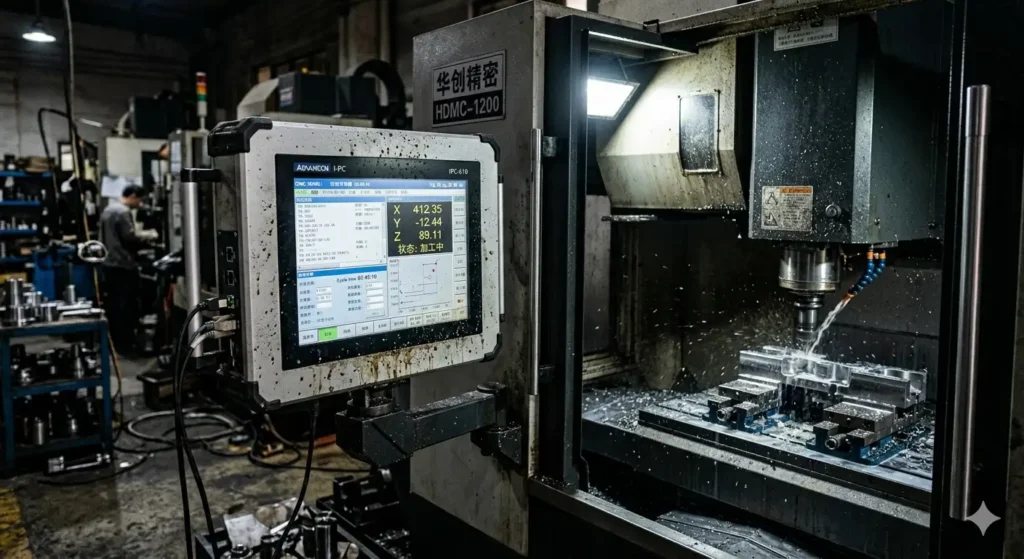
"We used to spend 20% of our maintenance budget just replacing VGA cables and loose mounts on our CNC lines," says Marcus Thorne, a Senior Systems Integrator I collaborated with last year. "Switching to industrial panel PCs for harsh environments eliminated those physical failure points and reclaimed 30% of our cabinet space."
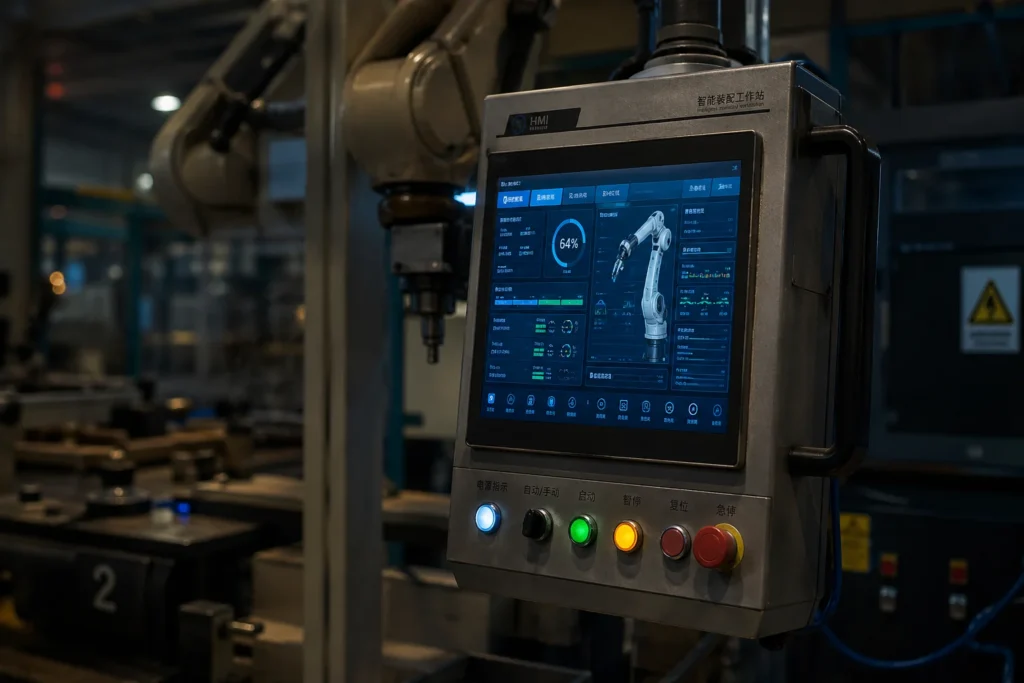
2.Role of Industrial Panel PC in Factory Automation System
The integration of industrial panel pc automation changes the workflow from reactive to proactive.
Real-time Data Visualization
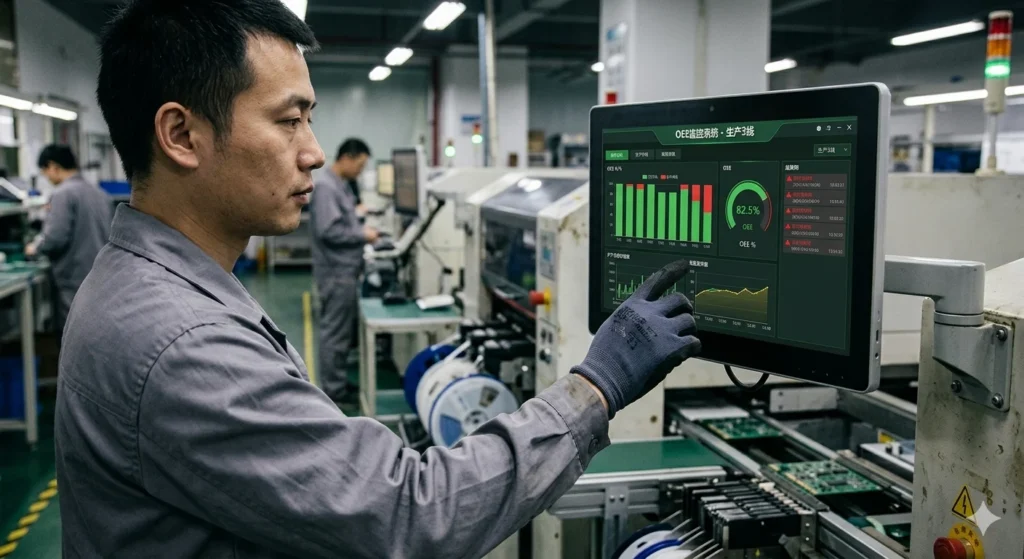
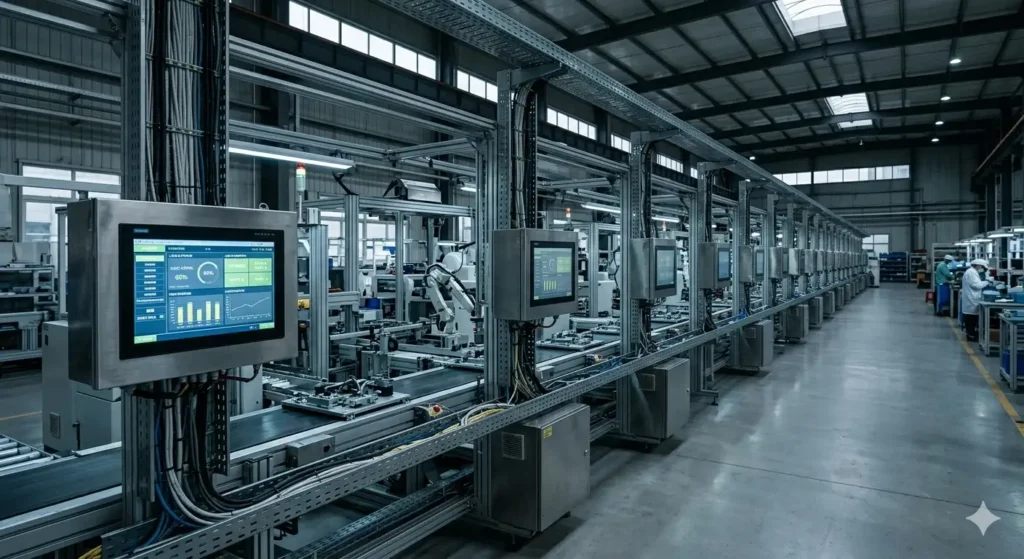
In a modern facility, “seeing is believing.” Panel PCs allow operators to view real-time OEE (Overall Equipment Effectiveness) metrics. This is particularly critical in SMT and PCBA assembly processes, where immediate feedback loops allow for instant adjustments to pick-and-place speeds, drastically reducing scrap rates.
Human-Machine Interface (HMI) Integration
Historically, an HMI was a limited, proprietary device. Today, industrial panel pc automation allows for “Open HMI” solutions. This shift aligns with the Industry 4.0 vision defined by the ISA, moving toward interoperable and vendor-neutral hardware.
Edge Computing and AI
With the rise of IIoT, the IPC now performs Edge Computing. By processing raw sensor data locally, it reduces latency—a concept heavily supported by the IEEE Industrial Electronics Society for real-time control applications. For teams looking at industrial PC trends for 2026, the shift is clearly toward AI-enabled panels.
3.PLC vs HMI vs SCADA vs Industrial Panel PC Automation
One of the most frequent questions from my European clients is: “Do I really need a Panel PC if I already have a PLC and SCADA?” The answer lies in the hierarchy of control.
Comparative Overview of Control Components
| Component | Primary Function | Processing Power | Visualization | Best Use Case |
| PLC | Logic & I/O Control | Low | None | Hard-wired logic |
| Traditional HMI | Basic Interface | Low | Basic Graphics | Simple machine status |
| SCADA | Supervisory Control | High | Full Dashboard | Control room monitoring |
| Промышленный панельный ПК | Edge Control & HMI | Very High | Interactive 3D/HD | Machine Control System |
Why Panel PCs are Replacing Traditional HMI Systems
Traditional HMIs are “black boxes.” If the manufacturer stops supporting the software, the hardware is obsolete. Industrial panel pc automation offers a “future-proof” path. Because they are often built on modular architectures—similar to how we design custom industrial control boards—you can update your software stack without tearing out the hardware.
4.Industrial Control System Architecture and Panel PC Role
The industrial control system architecture is typically a pyramid. The Panel PC sits at Level 2 (Supervisory Level), bridging the gap between the PLC (Level 1) and the Cloud (Level 3).
Modern IPCs often run Windows 10 IoT Enterprise, which provides a stable, long-term servicing channel (LTSC) to ensure that security updates don’t interrupt critical manufacturing cycles.
5.Key Features of Industrial Panel PC for Automation
When sourcing hardware, there are four non-negotiables for any machine control system:
Rugged Design: An IP65-rated front panel is mandatory for dust and water resistance. (See our detailed guide on what defines an Industrial Panel PC).
Fanless Cooling: In a factory, dust is a silent killer. Fanless designs use the chassis as a heat sink, ensuring a long lifecycle stability.
Touchscreen Flexibility: Choosing between P-CAP and Resistive touch depends entirely on your environment. For a deep dive, check our 10-inch vs 15-inch comparison.
Connectivity: Look for support for Modbus TCP, EtherCAT, and OPC UA protocols.
Conclusion: The Future of Automation
The industrial panel pc automation market is moving toward more intelligent, autonomous nodes. As we look toward the next decade, the integration of AI and 5G will make the IPC the most critical piece of hardware on your floor.
As an expert who has seen hundreds of configurations, my advice is simple: Don’t spec for today; spec for the next five years. For professional consultation on industrial hardware or custom PCBA solutions, feel free to contact our technical team.
FAQ:Industrial Panel PC Automation
Q: Can I run Windows 11 IoT on these devices?
A: Yes. For most factory automation systems, Windows 10 or 11 IoT Enterprise is preferred over Home/Pro versions because it allows you to disable “forced updates” which could otherwise disrupt a 24/7 production cycle.
Q: Is ARM (Android) or x86 (Windows) better for automation?
A: x86 is the standard for complex SCADA and legacy software. However, ARM-based panels (like those using the RK3588) are becoming dominant for lightweight, energy-efficient Linux or Android-based HMI applications.
Q: How do I handle high-vibration environments?
A: Ensure the PC uses SSDs instead of HDDs and complies with MIL-STD-810G standards for shock and vibration resistance.